
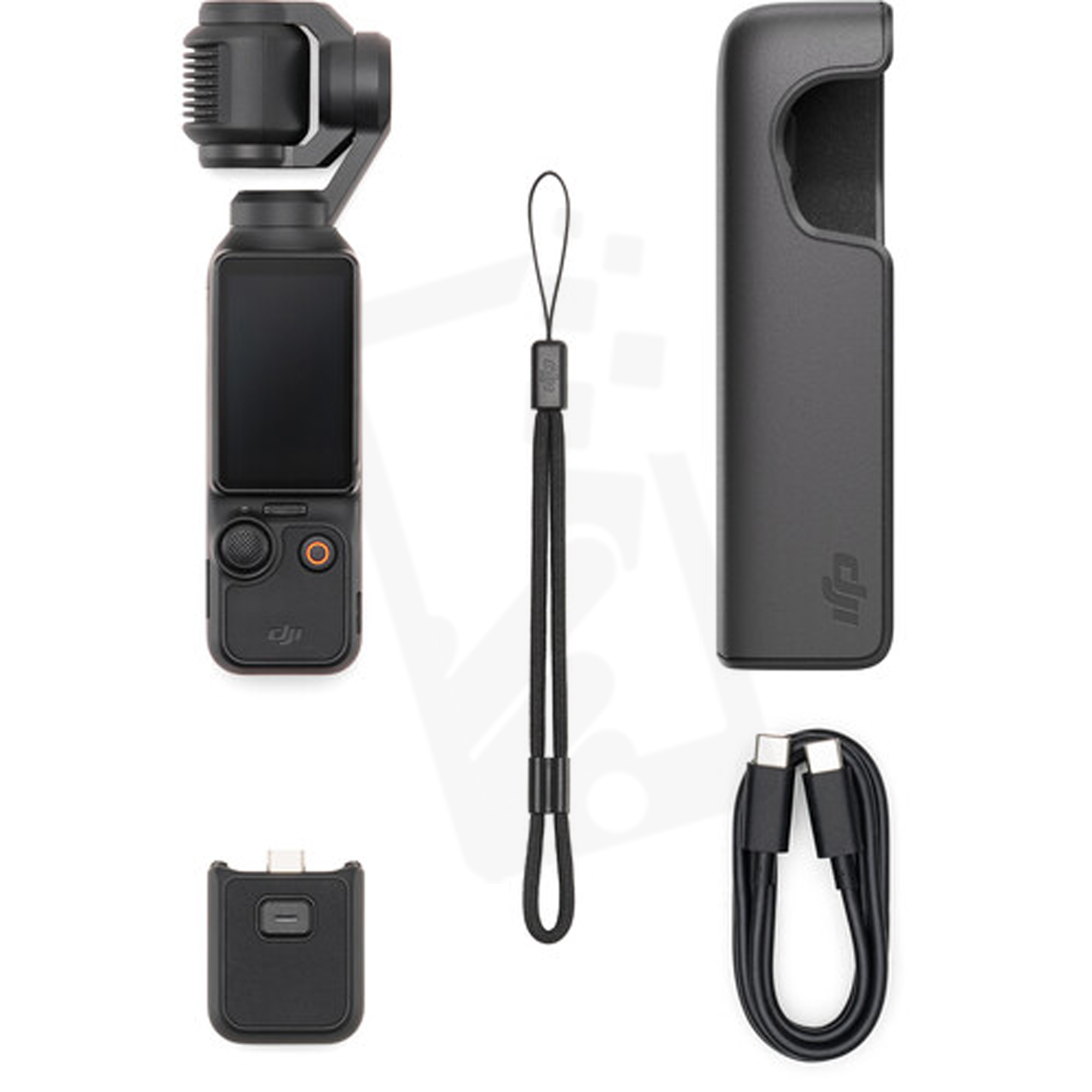
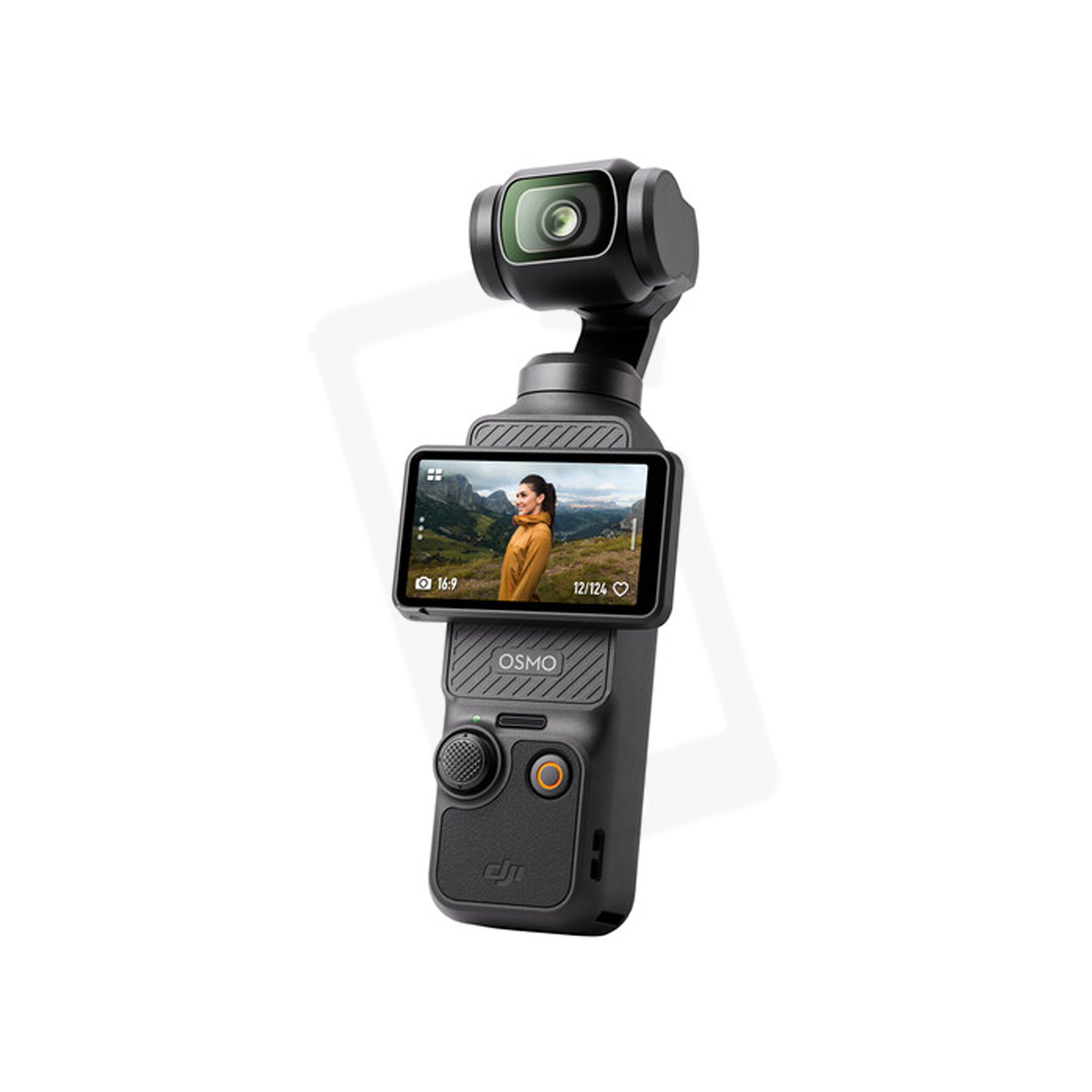
Description
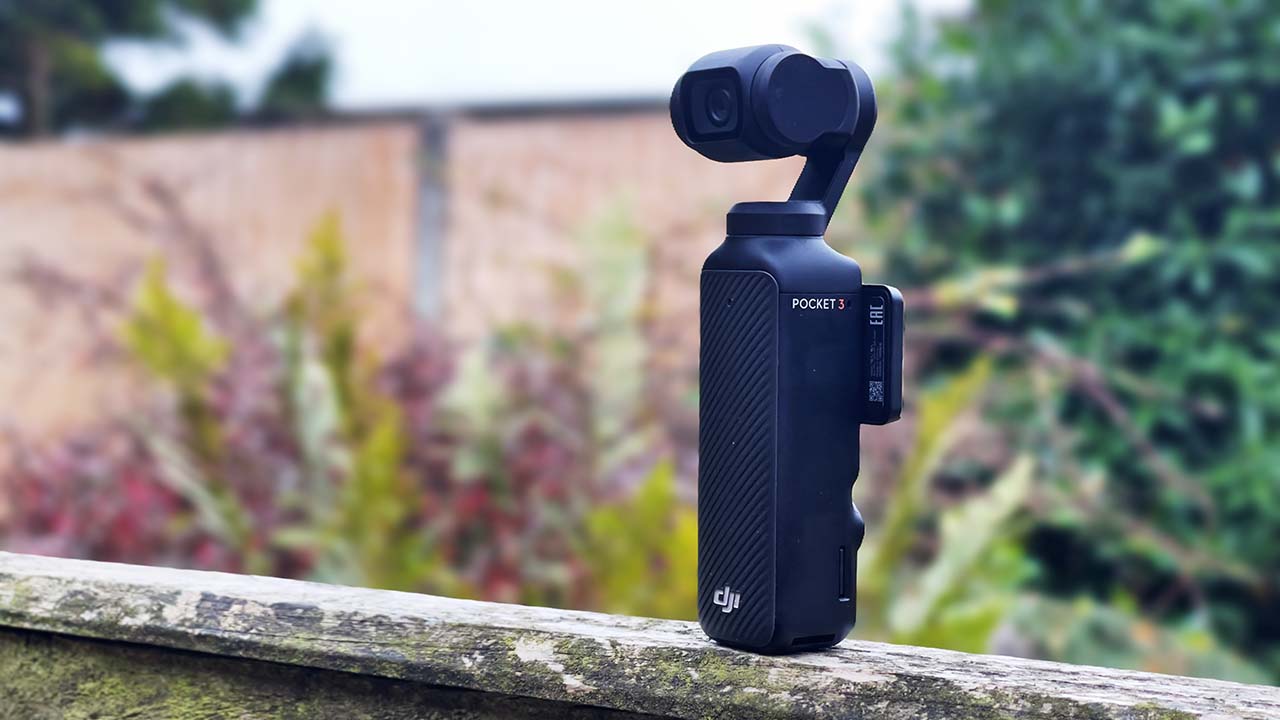
The only potential drawback I could foresee with the system was the lack of weatherproofing, although I had seen people using it in the rain without any apparent ill effects. Although it’s doubtful that DJI would recommend doing it!
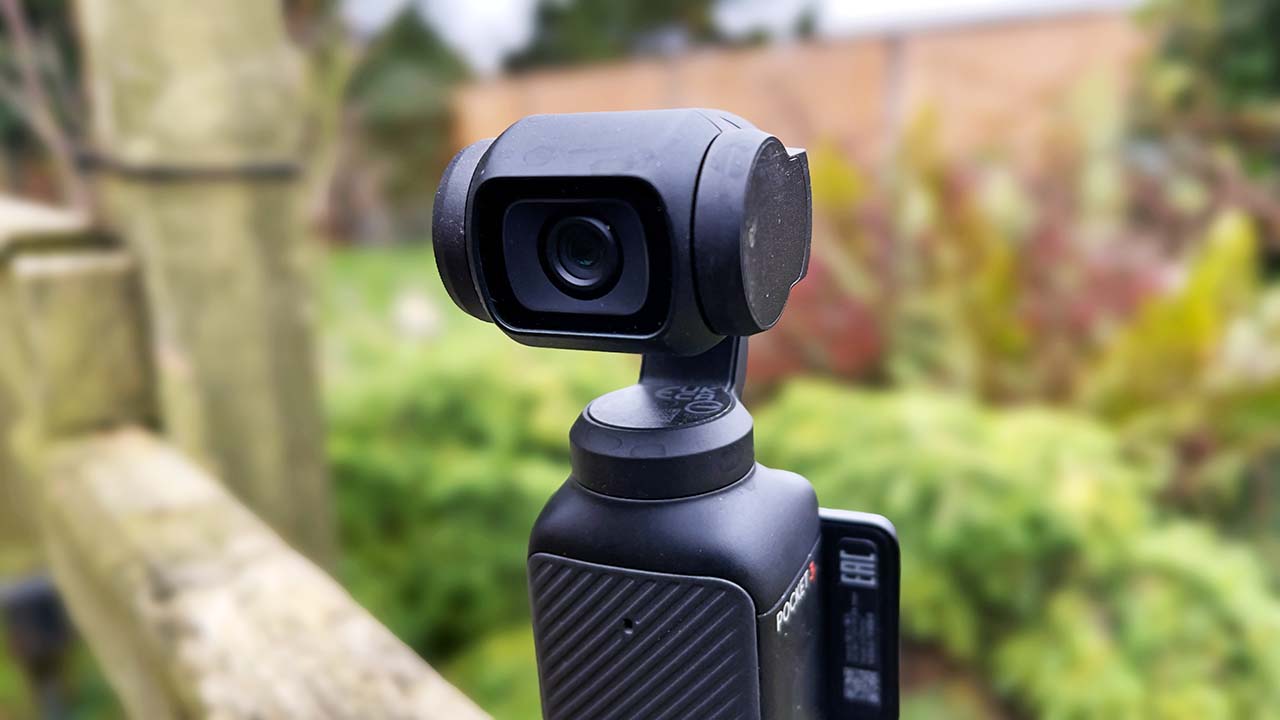
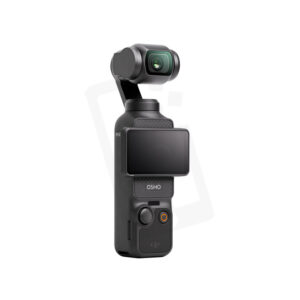
Tiny camera, great image quality
Ease of Use
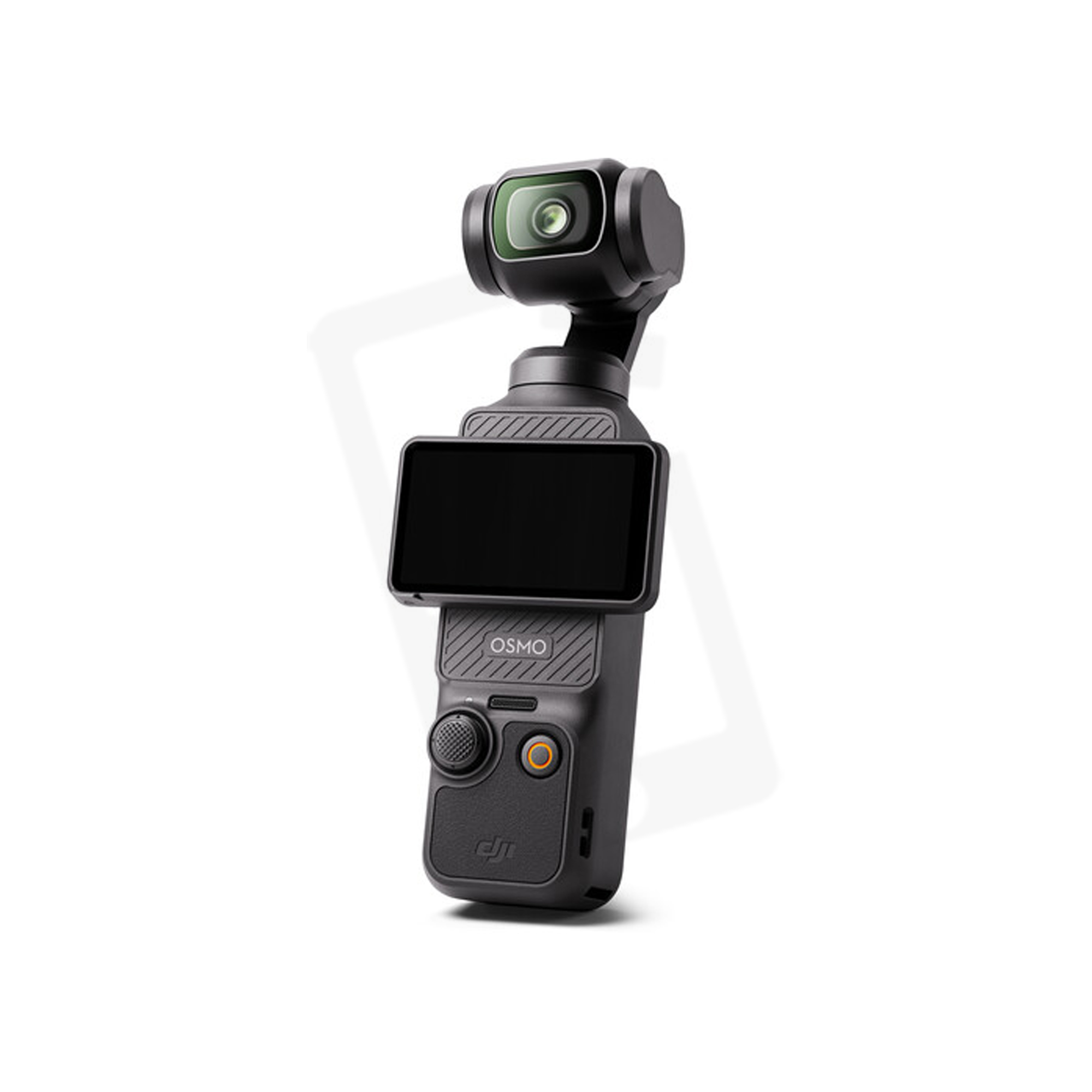
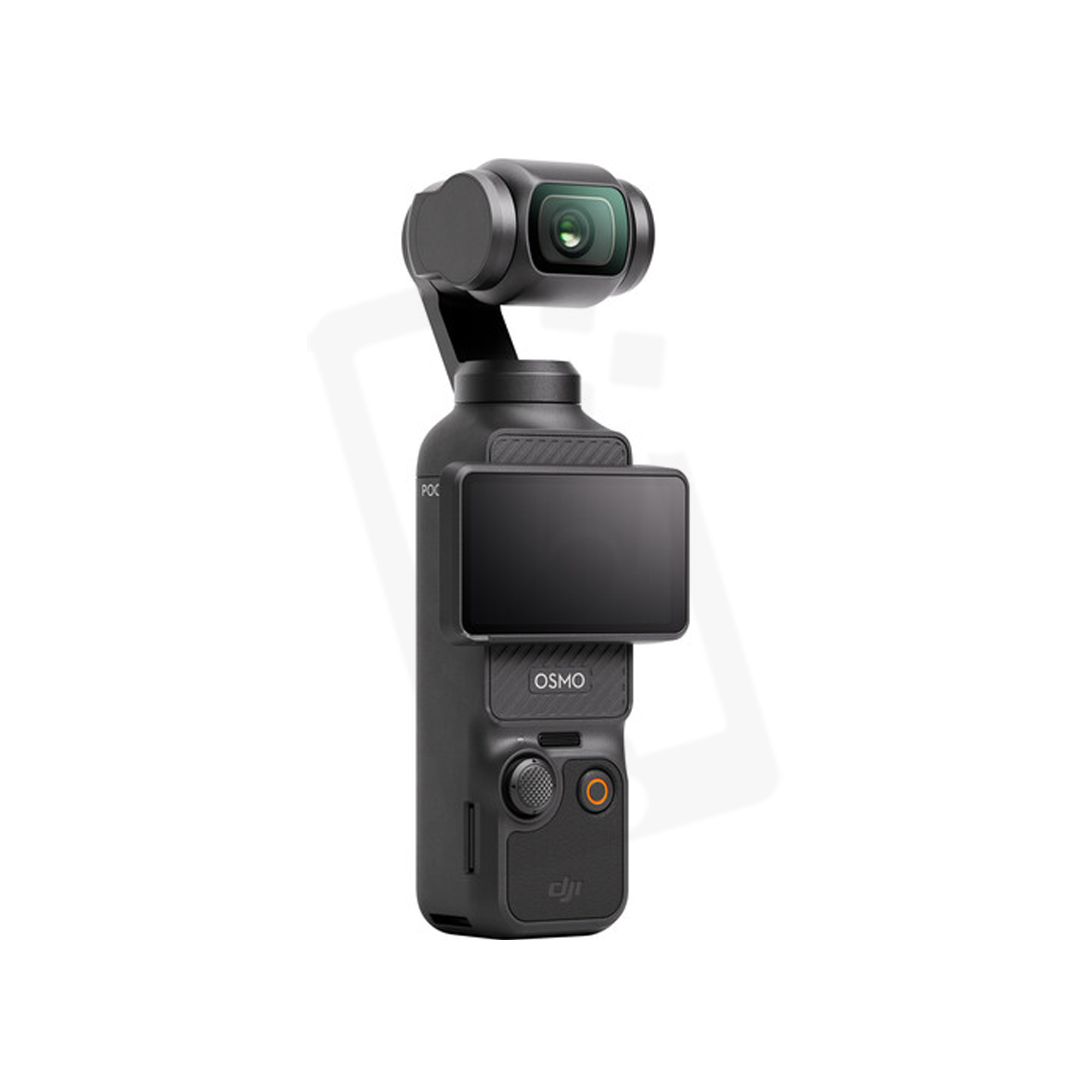
So far I have shot multiple review videos using the Pocket 3. It’s an incredibly easy to use device, although it does have its occasional quirks. For quick setups and portability I have found that I can attach the Pocket 3 to an extendable selfie stick, and then attach a solid compact tripod base to that. This still has a little bit of bulk to it, but I can still slide it into the outside pouch of a small backpack, or just carry it around.
Because the Pocket 3 is a gimbal based camera, I don’t need to be concerned about levelling the tripod too much, and so far it has worked pretty well. I’ve also been using a Smartta compact motorised slider for product shots, utilising the object tracking of the Pocket 3 to keep the product in shot.
Tracking on the Pocket 3 has proven to be hit and miss. Sometimes it’s very good, and at other times it falls short. In the product shots I have found that it often allows the device I’m filming to get to the edges of the frame before it begins to properly follow it, so I end up having to account for this with my initial framing. Likewise, if I’m tracking myself in a shot using the Mimo app to control it, it can easily lose lock if I move too far away or go behind an object. Sometimes it works, sometimes it doesn’t, so it can end up being a bit of frustrating trial and error.
Related to the tracking is the eagerness at which it follows objects. The speed of tracking can be selected, but I have found that the camera is often too keen to follow a person with every micro movement, so it would be nice to be able to dial down it down a bit more. For example, if I’m talking to camera and I simply change the weighting on my feet, something that results in a small movement, the camera will follow me when it would be better for it to simply stay put until I moved much more to the side of the frame.
Of course, you don’t have to track everything, and some of the best shots come when the camera is static. The Pocket 3 can be set to lock focus once it has begun recording. So for example, if you wanted to capture a hiking shot close-up of your boot going past the camera with the background out of focus, you can set the camera up to focus on the rock or ground you’ll be stepping on and begin recording; the camera will then stay focussed on that point.
In other circumstances you’ll want to take full advantage of the autofocus, and it’s here that the Pocket 3 shines quite brightly. It was, after all, one of the main reasons I bought it. Aside from one shoot where I accidentally asked it to focus on the wrong point, resulting in me recording an entire camera review that turned out to be entirely out of focus, it has generally worked flawlessly.
If I just leave it to its own devices it focuses on me very accurately, with no hunting that I can detect. There’s also a product focus mode that I often use, which allows me to hold the device I’m reviewing close to camera, and it will effortlessly and quickly focus on that.
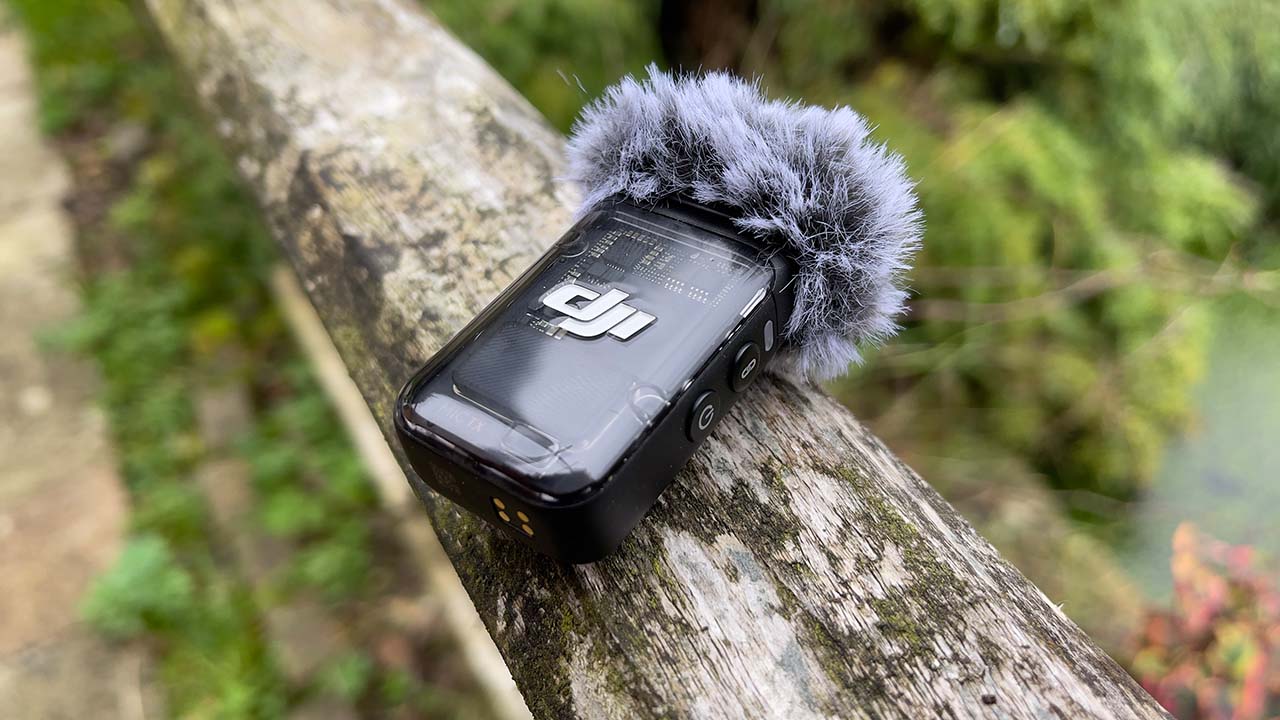
The DJI Mic 2 connects to the Pocket 3 seamlessly
Wireless Audio
Easy to use wireless audio was another reason I bought the Pocket 3. It can connect to two DJI Mic 2 transmitters. Once paired, the camera will very quickly connect to the microphone without delay. My only gripe is that the Mic 2 can only be paired to one device at any given time. So, if I want to use it with a DJI Action 5 Pro, I have to re-pair it with that device, and then again if I want to go back to using it with the Pocket 3.
The quality I’ve been getting from the Mic 2 to the Pocket 3 has been impressively good. Remember, it’s not using Bluetooth, but DJI’s own proprietary system, which transmits and records 24-bit 48Khz sound. For vlogging and reviews it’s perfect.
A feature that greatly interested me about the system was the prospect of internally recording a 32-bit float backup to the Mic 2 itself. 32-bit float gives the freedom to record audio without worry about peaking and overload. It needs to be set in one of the Pocket 3’s menus, but once done, each time you press record on the camera the mic will automatically record it’s own on-device 32-bit float audio backup.
It all works seamlessly… Or so it seems, until you try and sync up the audio in the editing system. There doesn’t appear to be any kind of accurate time syncing going on between the Pocket 3 and the Mic 2 transmitter, and you soon discover that after only a minute or so the audio goes out of sync. Unfortunately, it’s pretty much impossible to get back in line without a frustrating amount of effort. It’s a problem that has been brought to DJI’s attention frequently, but it’s an issue that has yet to be addressed in a firmware update, if it is indeed possible to do at all.
Therefore, I have always used the audio that has been transmitted to the camera. That said, having the Mic 2 with its own recording system means that if you want to go out and record sound effects or environment tracks and room tone, you can do so without the need to use the Pocket 3. Just hit the record button on the side of the mic, and you’ll record 32-bit float audio for any effects you don’t need critical sync for.
A small, but important convenience feature of the Mic 2 is the included magnetic ‘button’. As anyone who has used any form of clip on mic knows, not all clothing is conducive to allowing good placement. The Mic 2 comes with a magnet that can be placed behind clothing, and then the microphone sits on it on the outside of the material. It doesn’t work for thick garments like down jackets, but for jumpers and t-shirts it works very nicely. It’s also worth noting that a traditional 3.5mm lav mic can also be plugged into the Mic 2, making for a very compact and lightweight transmitter setup with a much less intrusive looking audio pickup.
Audio levels are currently taken care of with auto-gain. For more control over the audio capture you can plug a DJI Mic 2 receiver into the USB socket of the Pocket 3. This will also allow you to use headphones for audio monitoring.
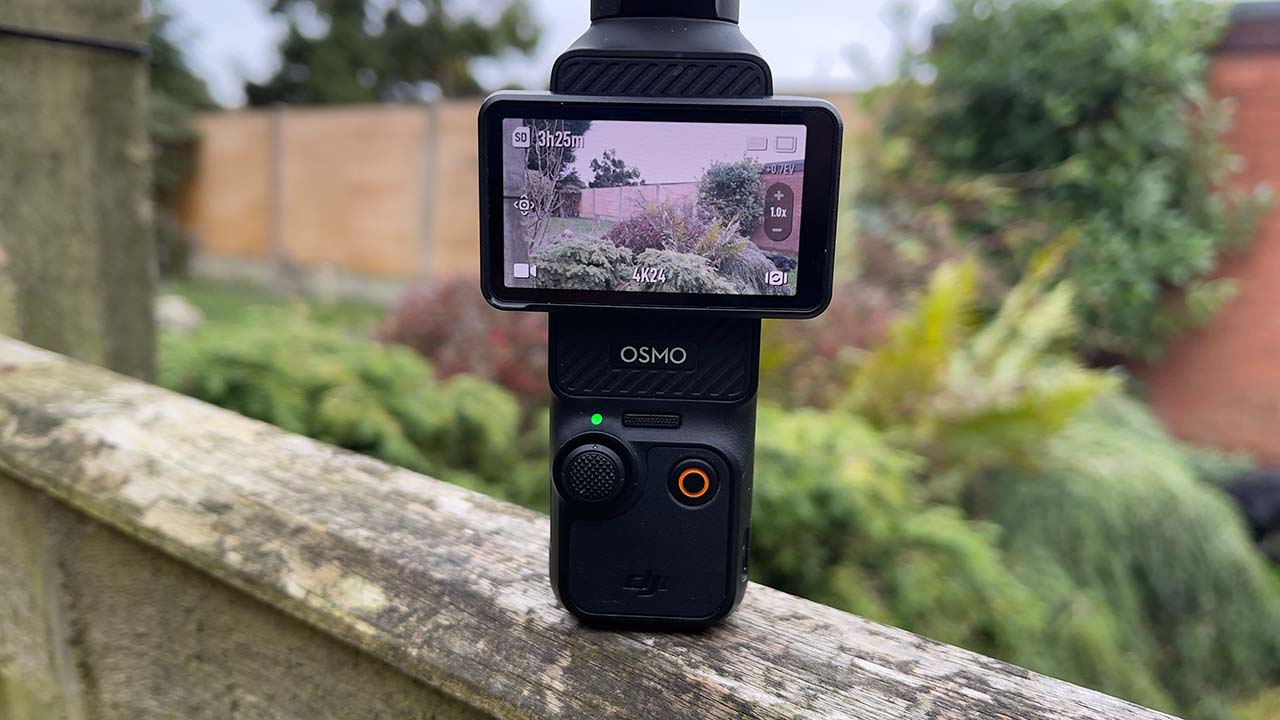
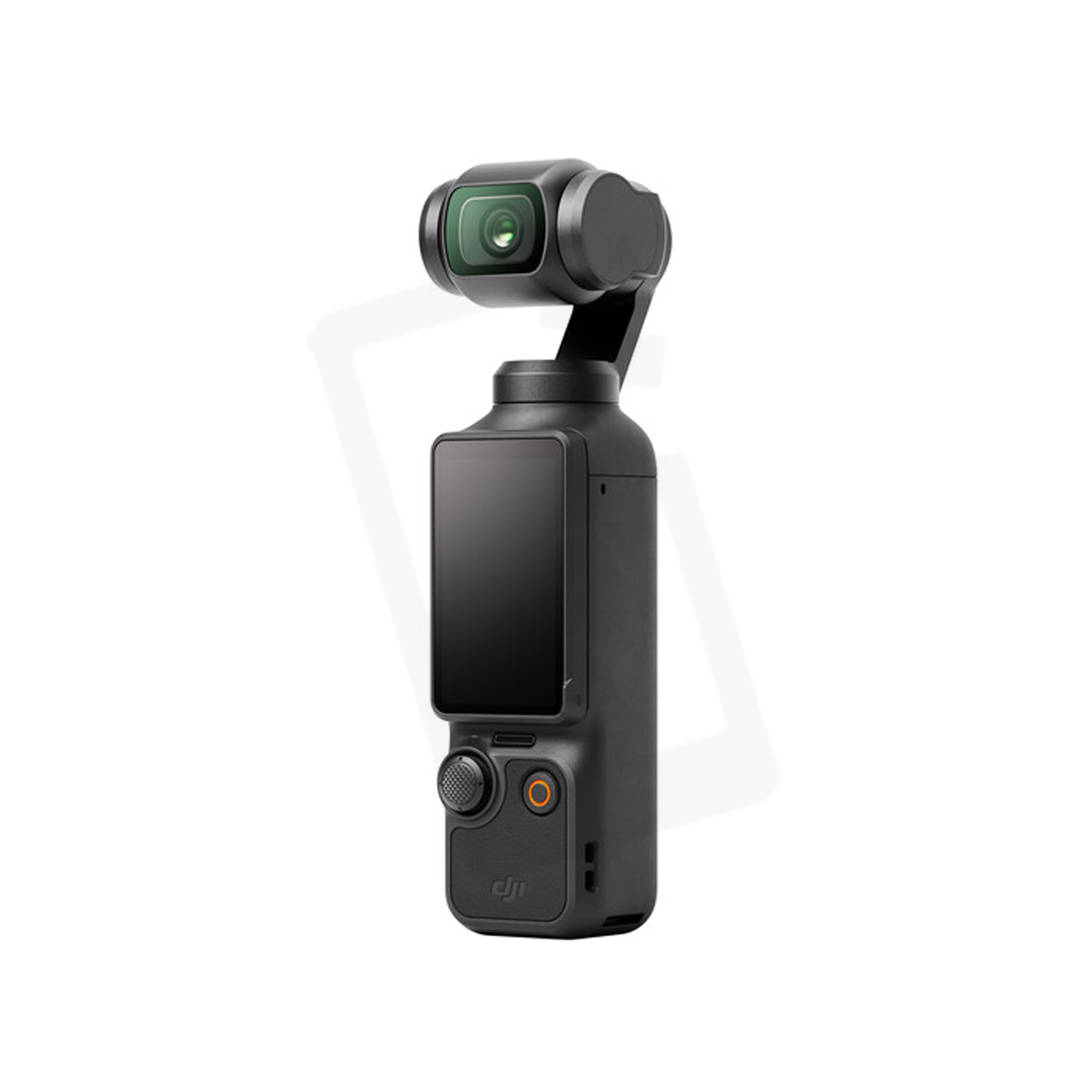
The Pocket 3 is easy to control and use
Image Quality
In most conditions, the Pocket 3 produces an incredibly high quality image. Far better than it really should be capable of on paper! For reviews and walk-and-talks I have found that it gives enough shallow depth of field to appear like a more expensive device. If I need to add more, I can combine it with Resolve’s superb background defocus filter.
The most impressive thing about the Pocket 3 is that it maintains a high quality, low noise image even at high ISOs, so it’s possible to use it in quite low light and still achieve a great image. Not just a usable one, but a very good one. Because the Pocket 3 is on a gimbal, it’s possible to slow the shutter speed much more than you would be able to do on an action camera, and still retain perfect stabilisation further enhancing its ability to work well in lower light levels.
There is a dedicated low-light mode that can be used, but in the main using the Pocket 3’s standard video mode gives much more acceptable results to my mind. In most scenarios, setting the camera to a detail setting of -2 and reducing the noise reduction to -2 gives the least processed look.
D-Log M is a mode that can be used to capture very gradable shots with a high degree of dynamic range. Standard mode is also capable of some great results, and in some scenarios can be the better bet. Both record to 10-bit colour precision, and HLG is also available for output directly to HDR displays.
The standard colour profile often does a better job when it comes to shooting in difficult light, such as bright backlit and sidelit conditions, due to the deft use of tone mapping. Luckily, unlike some of the more recent cameras, the tone mapping on the Pocket 3 is quite natural looking and gives a great result straight out of the camera. If you’re using D-Log M in the same scenarios you might need some manual setting intervention to balance things out properly. If you’re in a static situation speaking to camera, you might need to consider some light bounce if you want to expose faces properly without blowing the background out, although if we’re talking about keeping things compact, that might not be practical. Just normal video lighting considerations! But, it is worth being aware that the Pocket 3 definitely looks and performs much better with the light in some directions rather than others.
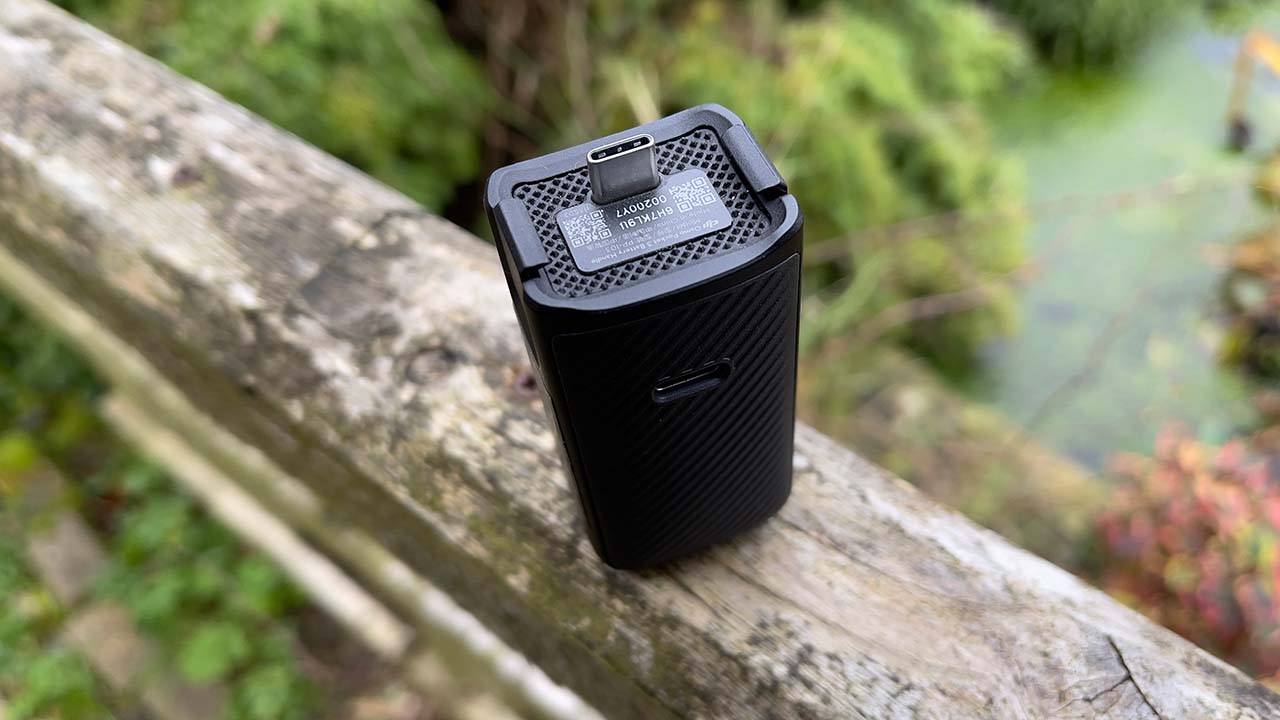
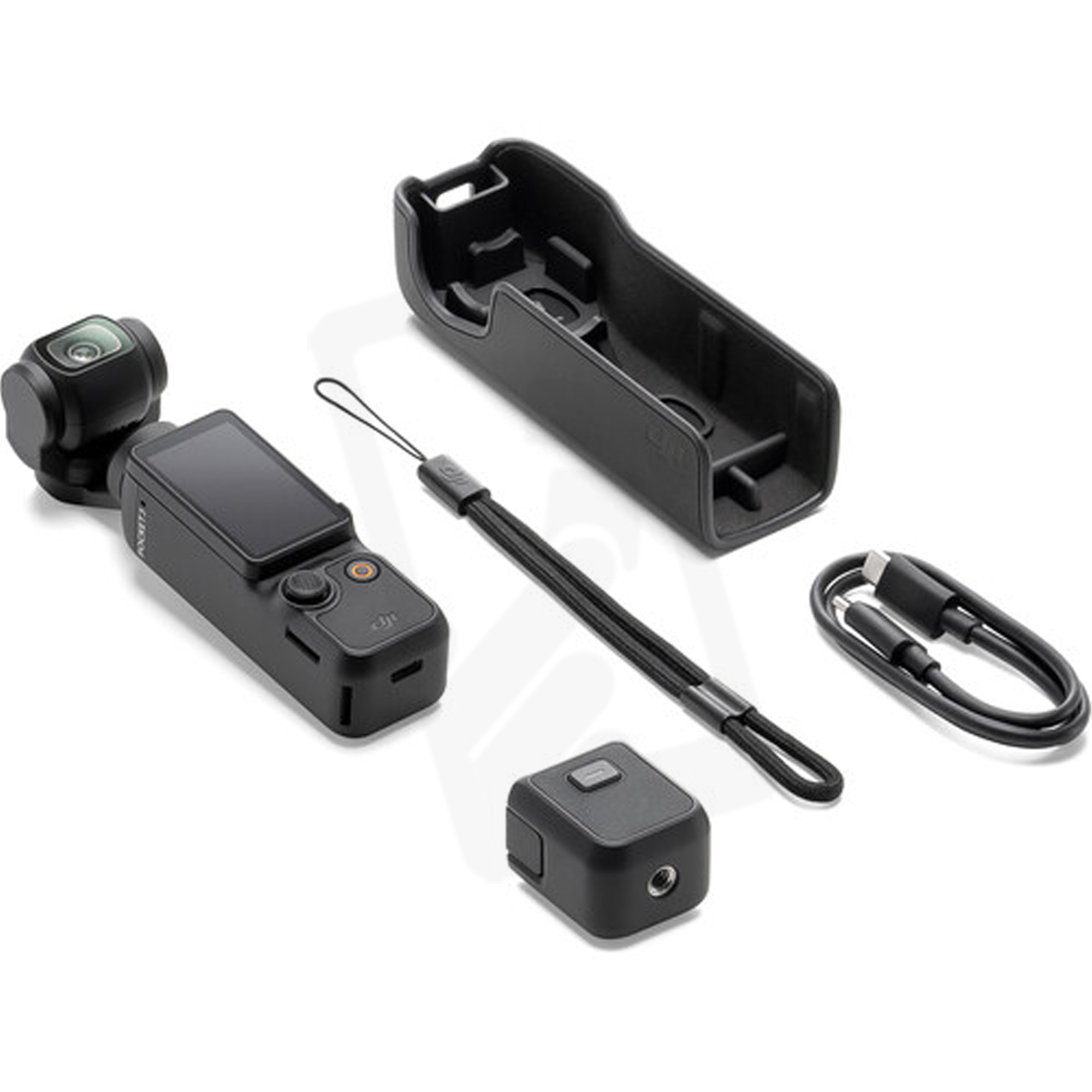
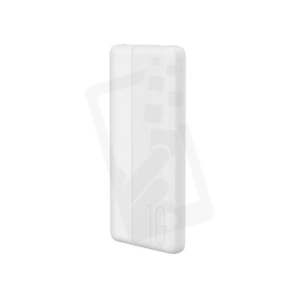
The battery base gives extra power, but only use it when you need to
Power
Battery life has proven to be exceptionally good on both the Pocket 3 and the Mic 2. The battery base provides for an easy way to charge while still being able to use the camera, and you can plug in your own powerbase if needed for extra juice. You’ll rarely need it, though.
One thing to note is that the battery base will continue to provide power to the camera even if it’s turned off. Early on, I would leave the battery base connected to the camera when it was switched off, and then be rather puzzled when I found the base had no power left in it! So, the lesson here is to only connect the battery base if you actually want to charge the Pocket 3.
Final Thoughts on the DJI Osmo Pocket 3
So far, the Pocket 3 has done everything I need from it. There are limitations, such as the lack of weatherproofing, but for the purposes I bought it for it has worked very well. Going forward to a potential Pocket 4, it might be nice to have some sort of optical zoom. The digital zoom on the Pocket 3 works remarkably well, albeit with the occasional bit of aliasing, but I have used it quite extensively. An optical zoom, even if it was limited, would give a few more creative options.
For some users, perhaps an HDMI out might be useful. I know some people who have rigged their Pocket 3s up a bit, which for me somewhat defies the purpose of a compact system. But, I can see how being able to look at things through a larger monitoring system might be beneficial in some circumstances.
It’s possibly too much to hope for an eND system, as found in some Sony cameras, due to patent issues. But, someday that’s something I’d like to see so that shutter speed can be used as a creative tool rather than the main way of adjusting exposure along with ISO. You can use physical NDs, and a couple of companies do make vari-NDs, albeit with the expected vignetting issues, but having an eND built in would be the Holy Grail.
Other than those minor niggles, for what the Pocket 3 is designed for it works very well. The image quality from it is incredibly good, and the ease of using it makes it fun to use. I’m no longer having to dread the thought of the amount of stuff I need to take with me for simple self-shoots, and it’s a system that has been extremely reliable for me so far.
Pricing and Availability
The DJI Pocket 3 is currently priced at $799 for the basic device, a significant tariff -related hike over its original $519 launch price, and $979 for the Creator Combo. Both prices correct as of November 2025. Other packages are also available.
tl;dr
- Simon Wyndham has been using the DJI Pocket 3 since its launch in 2023, appreciating its good image quality, built-in gimbal, and compatibility with the DJI Mic 2 system, despite some quirks.
- Initially relying on a Panasonic S1 for filming, Wyndham faced challenges with its unreliable video autofocus and bulky setup, prompting a switch to the more compact and user-friendly Pocket 3 for self-recording.
- While the Pocket 3 offers ease of use and portability, its object tracking can be inconsistent, occasionally leading to frustration during product shots or self-tracking.
- The camera allows for manual focus locking, enabling specific shots with desired focus points, and excels in autofocus situations, making it a versatile tool for quick and less stressful video production.

 with confidence – only at Prime Outlet
Reviews
There are no reviews yet.